Self-Hosted Messenger
Keep your data under your control
- Free for teams of up to 10 users
- Registration without personal data
- Low CPU & memory usage
Latest release: 2.9.2.26100616

Get started with Virola
Set up your Virola Server, invite your team, and start communicating in just a few steps.
Set up server
Download and install Virola Server for your operating system.
Install client
Install Virola Client, log in as an administrator, and follow the tutorials to configure your server.
Connect
Set up your team, connect with team members, and start collaborating.
Everything your team needs to work together
Chat, meetings, task management, and file sharing - all in one secure platform.


Security built around your control
Control where your data is stored, who can access it, and how your team communicates.
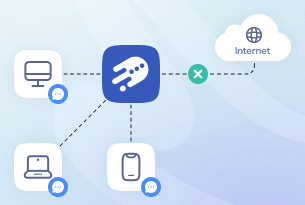
Air gapped deployment
Run Virola on a local area network (LAN) completely isolated from the public internet.
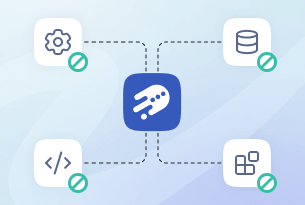
Zero third-party reliance
Engineered 100% in-house, Virola requires no external plugins, modules, or third-party platforms to function. You get full-featured communication and collaboration independent of outside ecosystems.
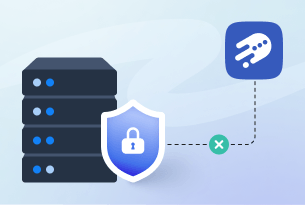
We have no access to your server
We have no remote control over your Virola Server and no technical mechanism to stop, disable, or block your installation. Your server remains fully under your control.
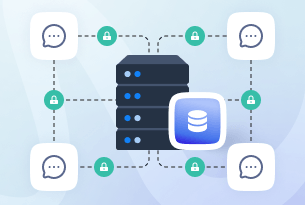
Data encryption
Your data is encrypted both in transit and at rest, protecting it as it travels between devices and the server and while it is stored on the server, helping prevent unauthorized access.
Ready to take control of your team communication?
Join teams using Virola for secure and efficient collaboration.